7tv-cli — emotes in your terminal because Teams said no
I wanted to bring 7TV emotes to MS Teams. IT said no. So I brought them to the terminal instead.
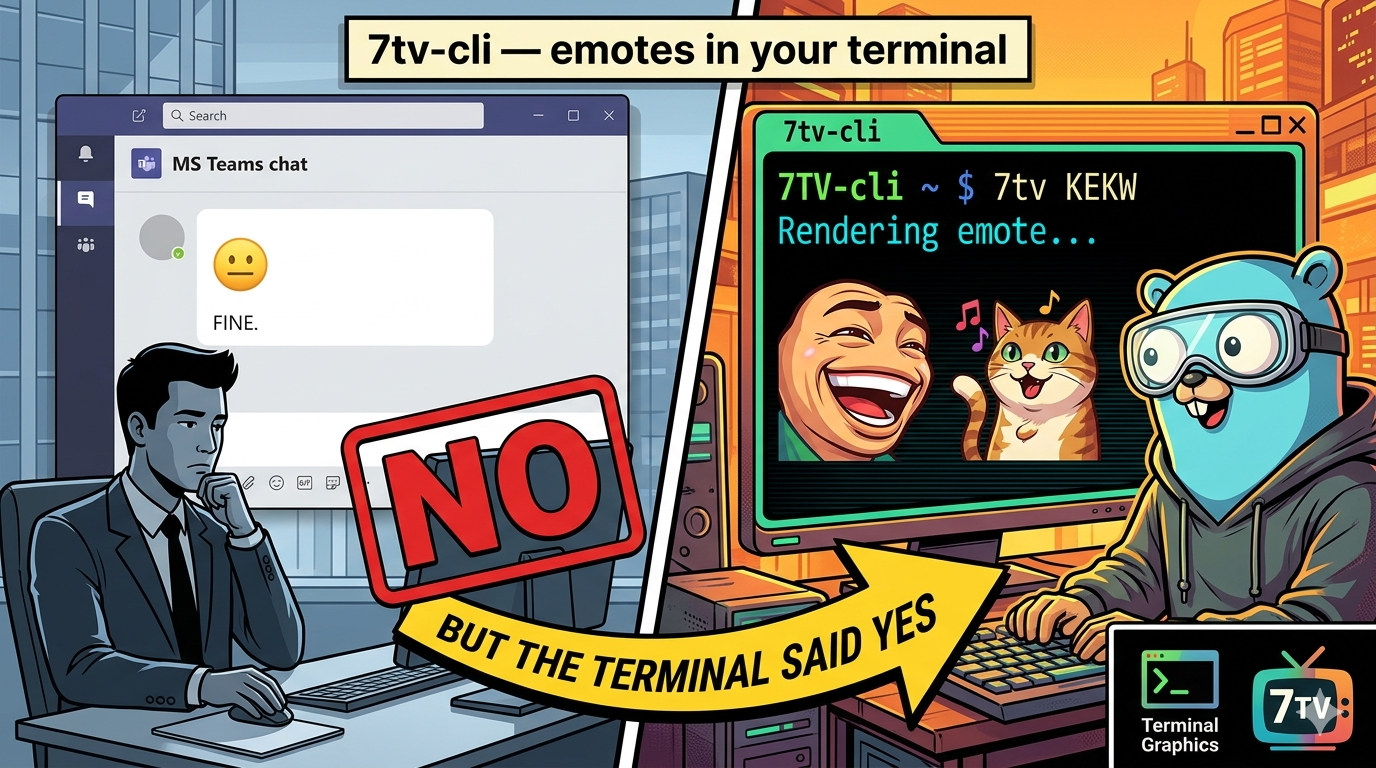
I'm a Twitch viewer and a big emotes enjoyer. If you know, you know — there's a whole layer of communication that happens through emotes that plain text just can't replicate. KEKW. catJAM. PauseChamp.
The platform I spend most of my working day on is MS Teams. It has... fine emojis. But it's not the same. So naturally, I looked into building a 7TV integration for Teams.
IT said no.
Fair enough. So I built a CLI instead and used that.
What it does
It queries the 7TV API by emote name, downloads the image, and renders it directly in your terminal using imagecat.
7tv kekw --format GIF
7tv catJAM --format PNG --scaler 4x
That's it. You get the emote, rendered inline in your terminal, in the size and format you want.
How it works
The core is straightforward:
- Hit the 7TV API with the emote name as a search query
- Get back the CDN URL for the requested format and scale
- Download the image bytes
- Hand them to imagecat, which handles the terminal rendering
The interesting part is imagecat — it uses terminal graphics protocols (like iTerm2's inline images or Kitty's graphics protocol) to render actual images inside the terminal. On Linux, Windows, and macOS, each with slightly different implementations.
The MS Teams idea
The original plan was proper: a Teams app that would let you send 7TV emotes in chats. Parse an emote shortcode, fetch it from 7TV, post it as an image in the message. Straightforward enough to build.
The blocker wasn't technical. The company just didn't want a third-party app with that kind of Teams integration approved. Which is a completely reasonable call, even if disappointing.
The CLI scratches the itch differently — I can at least render them locally when I want to. It's not the same, but catJAM in a terminal window is still catJAM. And so I just added a small script on my machine to copy the image / gif and send it in a chat message
Source on GitHub.